If your goal is to turn online visibility into real customers, your Google listing is one of the most powerful tools you have. When people search for services near them, your listing often becomes their first impression—and their fastest path to contacting you. The difference between a listing that gets views and one that gets calls comes down to strategy, consistency, and optimization.
Here’s how you can transform your Google listing into a call-generating machine.
1. Fully Optimize Every Detail of Your Listing
You can’t expect strong results from an incomplete profile. Google prioritizes businesses that provide accurate, detailed, and consistent information.
Start by ensuring your business name, address, and phone number are correct and match exactly across all platforms. Even small inconsistencies can reduce trust and visibility.
Add your business hours, service areas, and categories. Choose your primary category carefully—it should reflect your main service. Then include secondary categories to capture additional opportunities.
Write a clear, compelling business description that speaks directly to your customers’ needs. Instead of generic statements, explain how you solve problems and why someone should call you.
2. Make Your Phone Number Impossible to Miss
If your goal is more calls, your phone number must be front and center.
Ensure your number is correct, clickable, and easy to read. Avoid burying it in descriptions or images. It should be one of the first things people notice when they view your listing.
Also, use a local phone number rather than a generic or toll-free number. Local numbers build trust and increase the likelihood that someone will call.
3. Use High-Quality Photos to Build Trust
People are far more likely to call a business that looks professional and trustworthy.
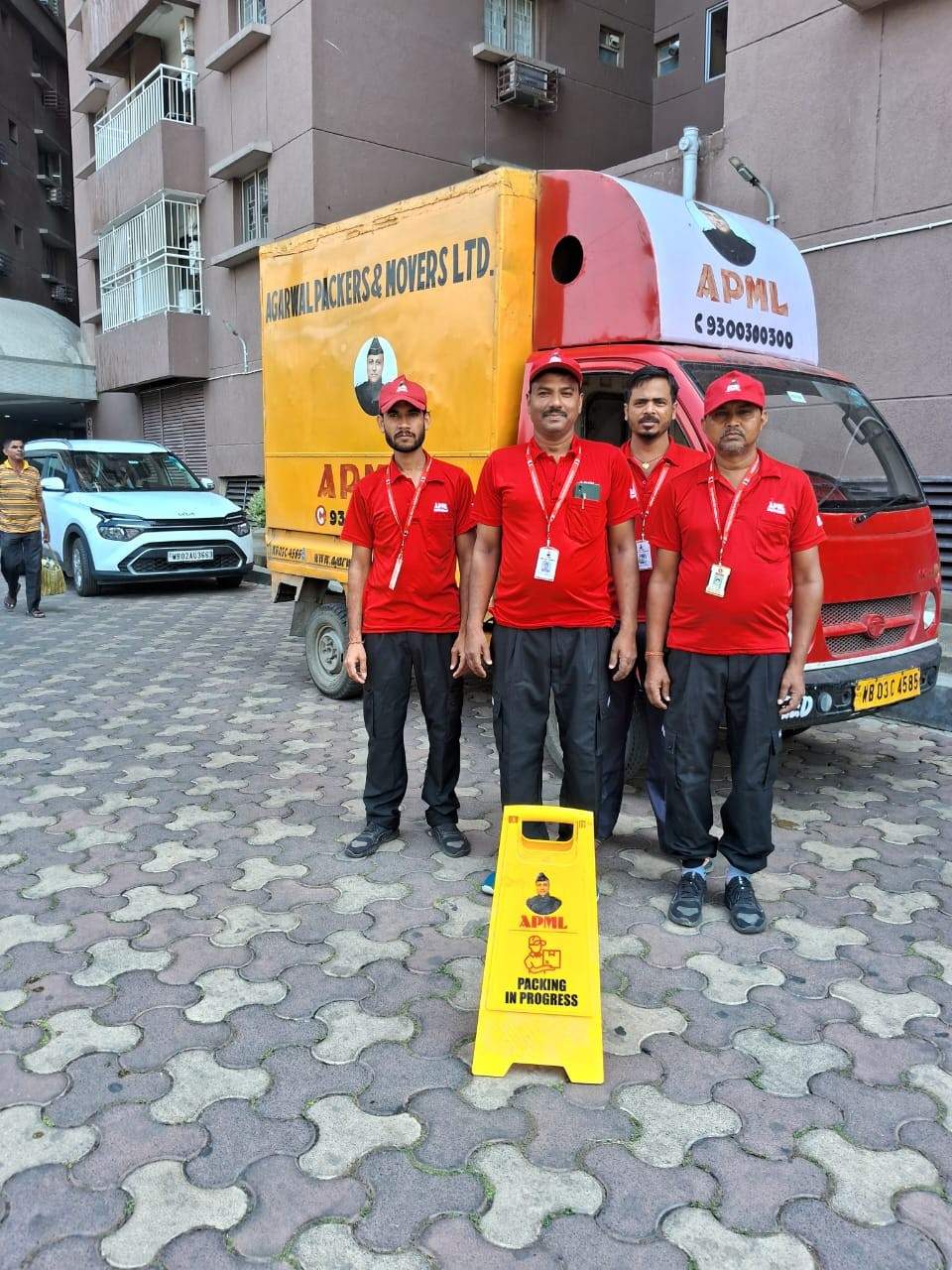
Upload clear, high-quality images of your storefront, team, vehicles, tools, and completed work. Authentic photos outperform stock images because they show real credibility.
Regularly update your photos to keep your listing active. Fresh content signals to Google that your business is engaged, which can help improve visibility.
4. Collect and Manage Customer Reviews
Reviews are one of the biggest drivers of calls. When potential customers see positive feedback, they feel more confident reaching out.
Ask satisfied customers to leave reviews immediately after completing a job. The easier you make the process, the more reviews you’ll get.
Respond to every review—both positive and negative. Thank customers for their feedback and address any concerns professionally. This shows that you care about customer experience.
More importantly, reviews often include keywords naturally, which can improve your ranking and bring in more qualified leads.
5. Write Posts That Encourage Action
Google posts are an underused feature that can significantly increase engagement.
Use posts to highlight special offers, promotions, or seasonal services. Keep your messaging direct and action-focused. Instead of just informing, encourage users to take the next step.
For example, you might share a limited-time offer and guide readers to take action by using a clear phrase like Contact Us today for fast and reliable service. This creates urgency and directs users toward calling you.
6. Add Services and Detailed Descriptions
Don’t assume customers know everything you offer. Clearly list all your services within your Google listing.
For each service, write a short description that explains what it includes and how it helps the customer. Use simple, direct language that answers common questions.
The more detailed your services section is, the more likely your listing will appear for a wider range of search queries—bringing in more calls.
7. Enable Messaging and Quick Responses
While calls are your main goal, messaging can act as a stepping stone.
Some customers prefer to send a quick message before committing to a call. By enabling messaging, you capture those leads instead of losing them.
Respond quickly. A fast response builds trust and often leads to a phone call once the customer feels comfortable.
8. Focus on Local SEO Signals
Your Google listing doesn’t work in isolation—it’s part of your broader local SEO strategy.
Make sure your business is listed consistently across directories. The more consistent your information is, the more Google trusts your business.
Use location-based keywords naturally in your business description and posts. This helps your listing appear in local searches where people are ready to call.
9. Use Call Tracking (Without Losing Consistency)
If you want to improve performance, you need to measure it.
Call tracking allows you to see how many calls your listing generates. However, be careful—your main phone number should remain consistent across the web.
A smart approach is to use call tracking as a secondary number while keeping your primary number unchanged. This gives you insights without hurting your SEO.
10. Keep Your Listing Active and Updated
An outdated listing can reduce trust and hurt your rankings.
Regularly update your hours, services, and photos. Add posts weekly if possible. Even small updates show Google that your business is active.
If your hours change for holidays or special events, update them immediately. Nothing frustrates potential customers more than calling a business that’s closed.
11. Highlight What Makes You Different
Customers often compare multiple listings before choosing who to call. You need to stand out.
Think about what makes your business unique. Is it fast response time, 24/7 availability, affordable pricing, or specialized expertise?
Highlight these strengths clearly in your description, posts, and responses. When someone sees a clear advantage, they’re more likely to call you instead of a competitor.
12. Use Clear Calls-to-Action Everywhere
Never assume users will take the next step on their own—you need to guide them.
Use strong calls-to-action in your posts, descriptions, and updates. Phrases like Call now for immediate assistance or Contact Us for quick service make a big difference.
Make sure your messaging is consistent and focused on encouraging action.
13. Monitor Insights and Adjust Your Strategy
Google provides valuable insights about how users interact with your listing.
Pay attention to metrics like:
- How many people view your listing
- How many click to call
- What keywords bring users to your profile
Use this data to refine your strategy. If certain posts or services generate more calls, focus on those areas.
14. Build Trust Before the Call Happens
Ultimately, your goal is to remove hesitation.
When someone views your listing, they should immediately feel confident that you’re the right choice. This comes from a combination of strong reviews, clear information, professional images, and consistent updates.
Trust is what turns a view into a call.
Final Thoughts
Getting more calls from your Google listing isn’t about luck—it’s about intentional optimization and consistent effort.
When you fully complete your profile, showcase your strengths, collect reviews, and guide users with clear calls-to-action, you create a listing that works for you 24/7.
Start implementing these strategies today, and you’ll not only increase visibility but also convert more searches into real conversations—and real customers.